a C90 implementation of PYRDLE
| dosbox | ||
| img | ||
| include | ||
| src | ||
| wordlists | ||
| .clang-tidy | ||
| .gitignore | ||
| build.sh | ||
| CMakeLists.txt | ||
| README.md | ||

CORDLE - The C90 Version of Wordle
A C90 implementation of the famous word game Wordle. I originally wrote this in Python, and decided to rewrite it in C90, to remediate myself, and to have a project I could work with in my old copy of DOS TurboC. Feel free to do whatever you like with it.
Requirements
- C90 compliant compiler (tested with gcc -std=c90 -pedantic -Wpedantic)
- Standard C library
- Ncurses
Build
$ ./build.sh
Building application.
Compile successful. Copying wordlists...
Build completed.
Run
$ cd build/cordle
$ ./cordle -h
cordle - C90 Wordle Game

Usage: ./cordle [OPTIONS]

Difficulty Levels:
  --easy       Common everyday words (default)
  --medium     Standard vocabulary
  --hard       Challenging words

Word Categories:
  --techy      Technical and scientific terms
  --literary   Literary and archaic terms
  --cultural   Cultural and international terms
  --full       Complete dictionary

Custom:
  --wordlist FILE   Use custom word list

Examples:
  ./cordle --easy
  ./cordle --techy
  ./cordle --wordlist mywords.txt
Screenshots
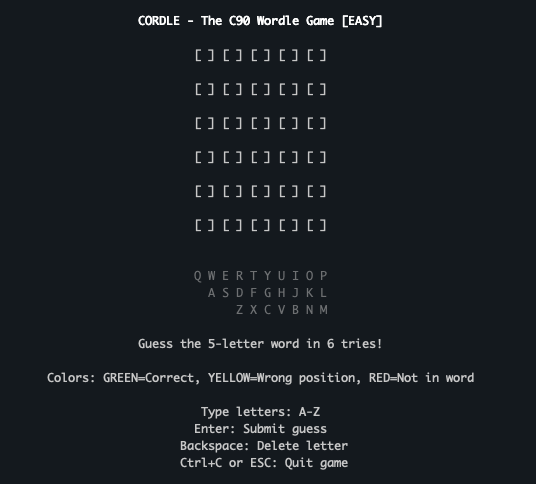
New Game
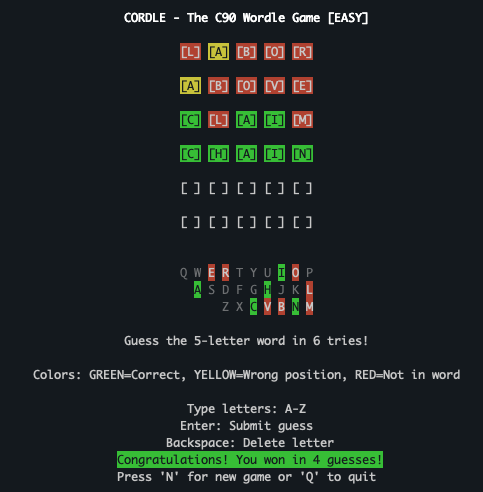
Win Game
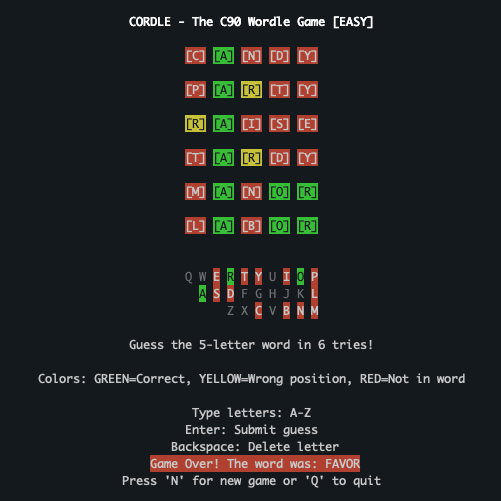
Lose Game
Install
Just copy the cordle binary in the build directory to your $PATH. If you want to use the supplied wordlists, copy the wordlists directory to your binary directory as well. Or supply your own wordlist path using the command line options.